Steps
- Open the email from ACI Infotech. Its button reads Claim your profile and add your resume or Claim your profile and see the request. Click it.
- The sign-up page opens with a banner: Create an account to claim your pre-populated profile with your skills and experience, and the skills read from your application listed under it.
- Enter your full name. The email address is filled in from the invitation and cannot be changed here.
- Choose a password of at least 8 characters.
- Tick the two boxes for the Terms of Service and the Privacy Notice.
- Click Claim Profile & Sign Up.
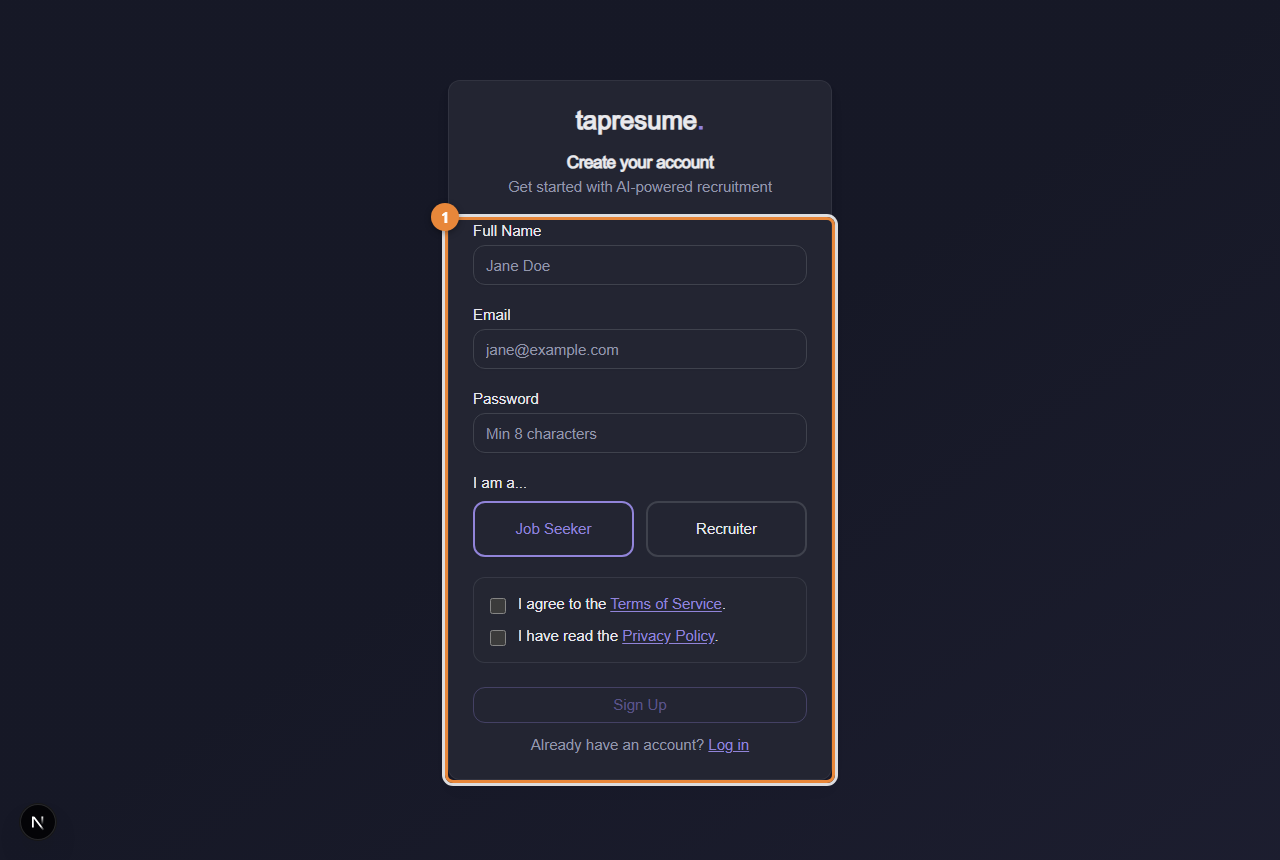
- Marker 1: The sign-up form; from an invitation email your details are linked to your application
What you see next
Your Today page. Your application is under Applications, and any assessment request is under Practice, then Assessments.
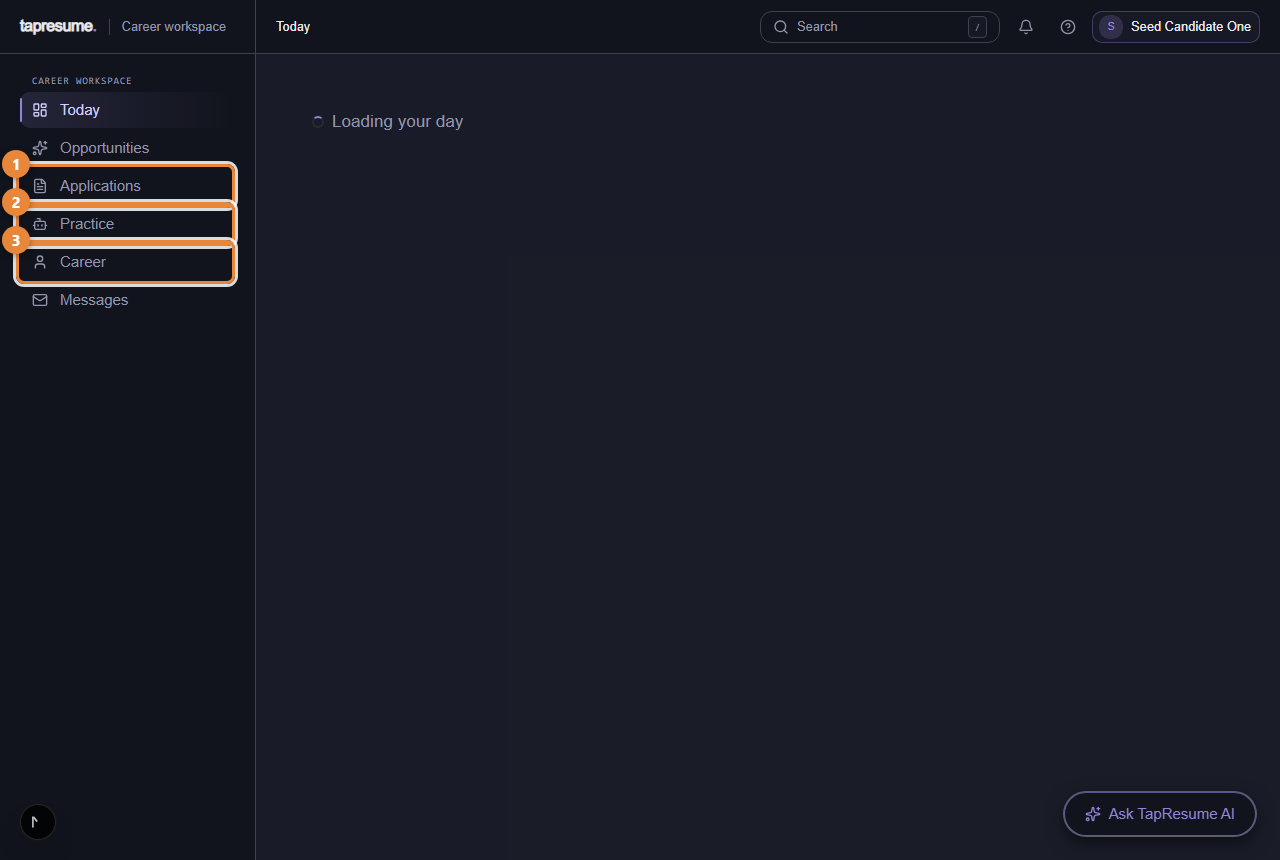
- Marker 1: Applications: where each one stands
- Marker 2: Practice and assessments
- Marker 3: Your profile and resume
If something goes wrong
- The page says the claim link is not valid or has expired. Links work for 30 days. Ask the ACI hiring team for a new one, or apply again from the careers site.
- The email field is empty or editable. The page did not receive the invitation. Open the email again and click the button rather than copying the address by hand.
- You already have an account with that address. Sign in instead (see Sign in with a code or a password); the application is linked to that account.