What Today shows
Today opens every time you sign in. It reads your applications, requests from hiring teams, and gaps in your profile, and turns them into a short list.
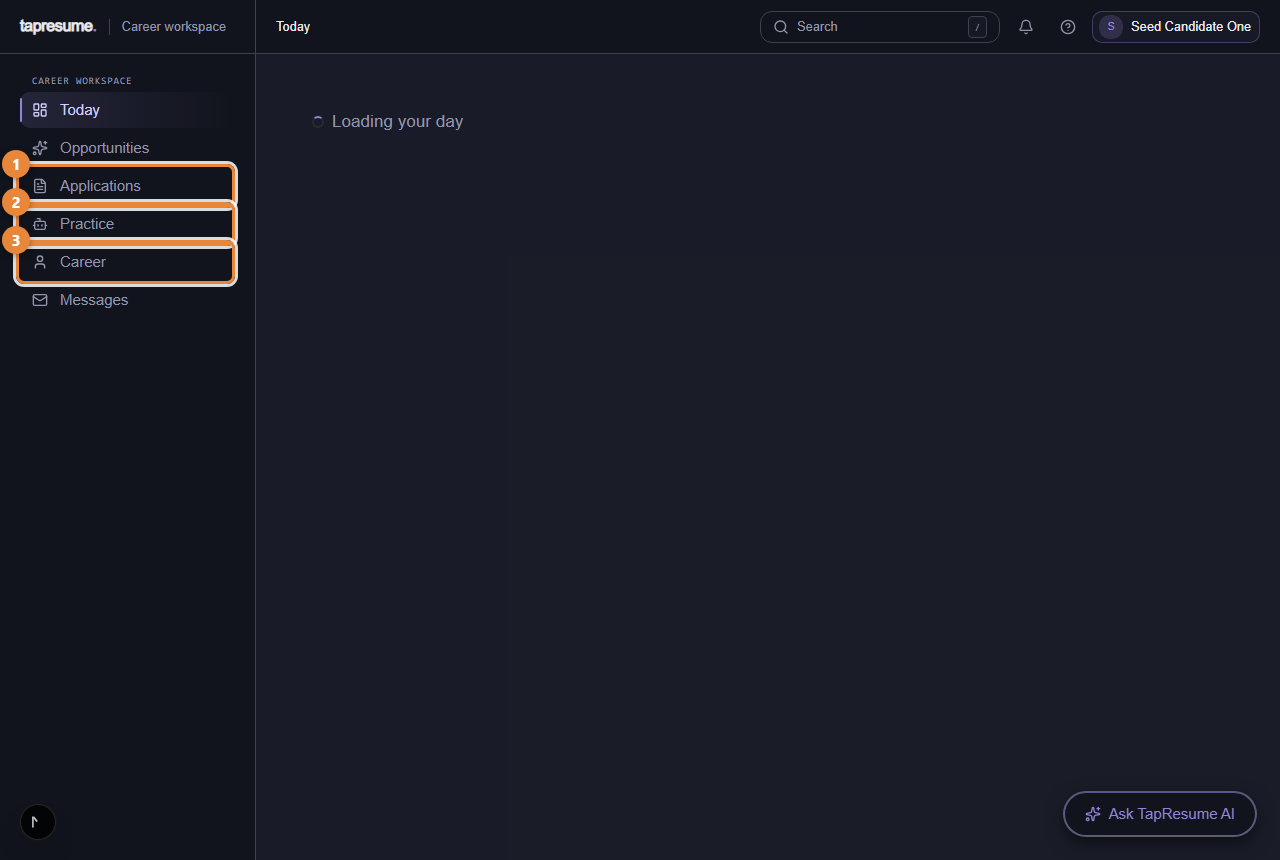
- Marker 1: Applications: where each one stands
- Marker 2: Practice and assessments
- Marker 3: Your profile and resume
- Your next step: one card at the top with the most useful thing to do now, the reason it was chosen, and a Why it matters line.
- When you are ready: smaller cards for the rest. Each has a label that says what kind of item it is: Deadline, Update, Opportunity, Draft, Waiting, or Profile.
- When nothing is waiting, the page says You are all caught up and offers a link to Opportunities.
Steps
- Read the card at the top. Click Open next step to go straight to it.
- Click Not now to hide it for this visit. It comes back next time if it is still relevant.
- Below, click Open on any card, or Dismiss to hide it for this visit.
The left navigation
The navigation on the left is the same on every page: Today, Opportunities, Applications (marker 1), Practice (marker 2), Career (marker 3), and Messages. Most of these open with a row of tabs under the page title; this guide names the tab where it matters.
Common questions
Why does it ask me to add experience? Matching reads what your profile says. Gaps in it appear here as Profile cards until they are filled or dismissed.
I dismissed something by mistake. Dismissing only hides a card for this visit. Sign out and in, or come back later, and it is listed again.