Why it matters
Hiring teams match roles to the skills read from your resume. Without a resume on record, matching cannot see you. Adding it takes a minute.
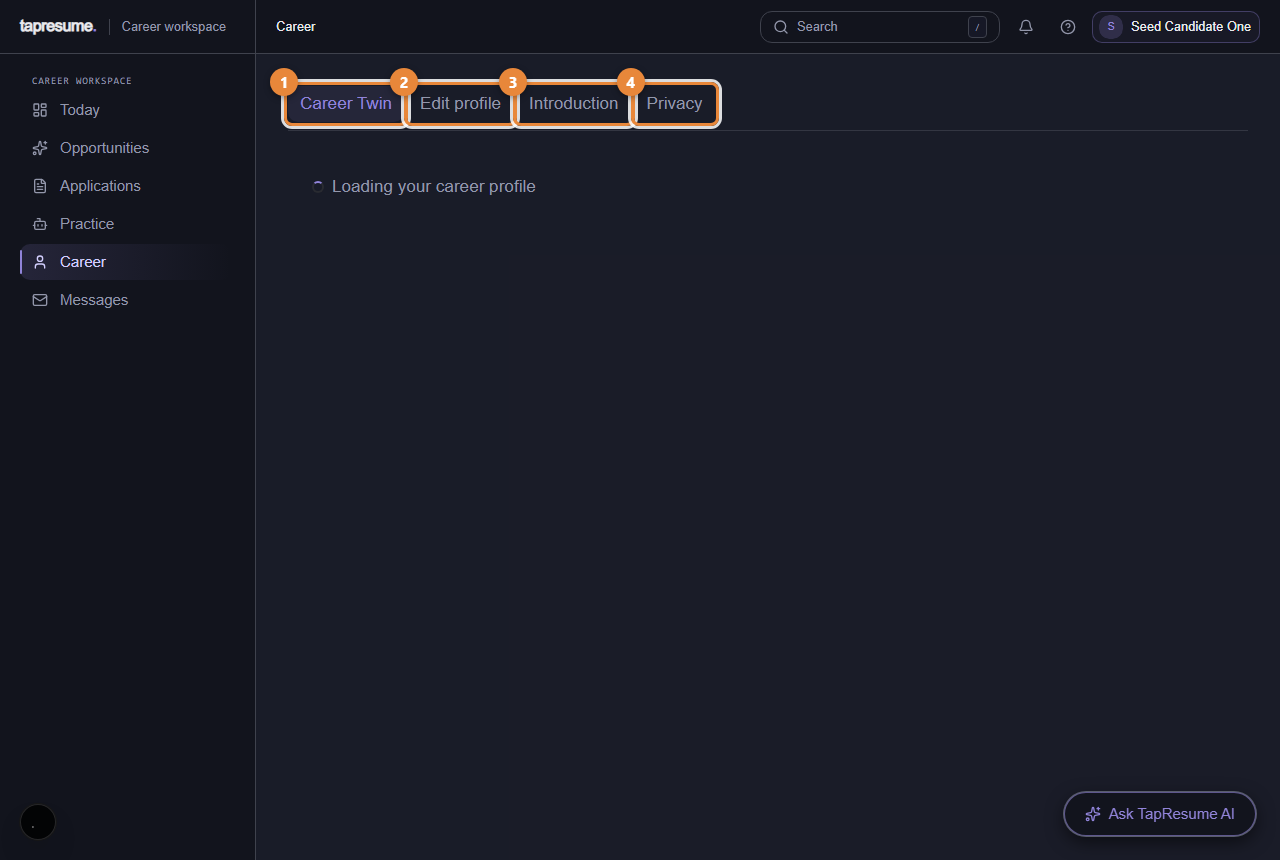
- Marker 1: Career Twin: what you have done and want next
- Marker 2: Edit profile: your details and resume
- Marker 3: Introduction: a short recording in your words
- Marker 4: Privacy: who can see what about you
Steps
- Open Career (marker 1) and then Edit profile (marker 2).
- Click Upload resume and choose a PDF or Word file.
- Wait a moment: TapResume reads the resume and fills in skills, experience and education. Check them and correct anything it misread.
- Add anything the resume does not say: location, whether you can relocate, what you want next.
- Click Save.
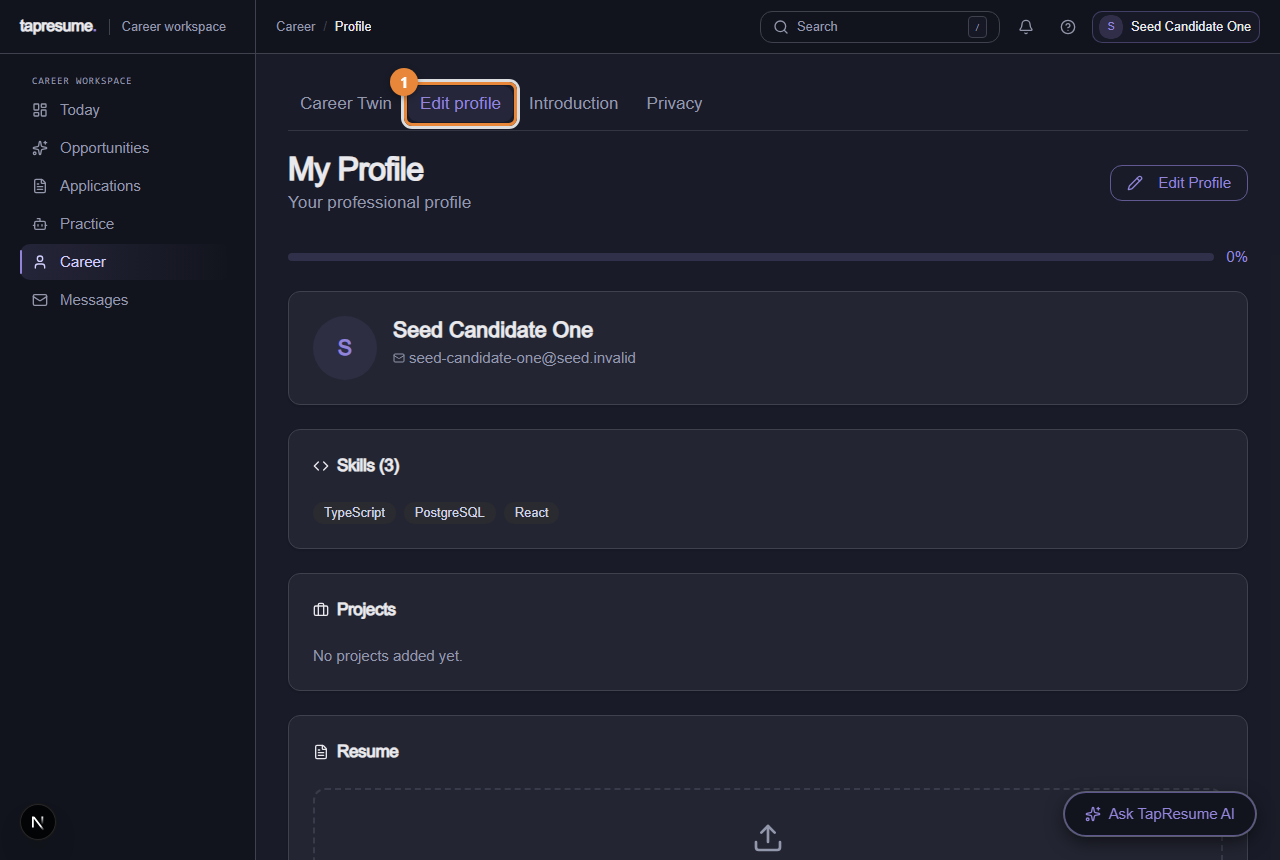
- Marker 1: Edit profile tab
Introduction and privacy
- Introduction (marker 3): a short video, audio or written introduction in your own words, only when a role asks for one.
- Privacy (marker 4): who can see your profile, what you have agreed to, and who has looked at your details.
Common questions
Which employers can see my resume? Only organizations you applied to or shared it with. Privacy shows the list and lets you withdraw.
I updated my resume. Do I need to tell anyone? No. Matching reads the latest version.