What this screen is for
Applications shows your submitted applications and their current candidate-visible states: in consideration, in process, decision pending, or closed. Where a submitted copy is available, you can open it from the application record.
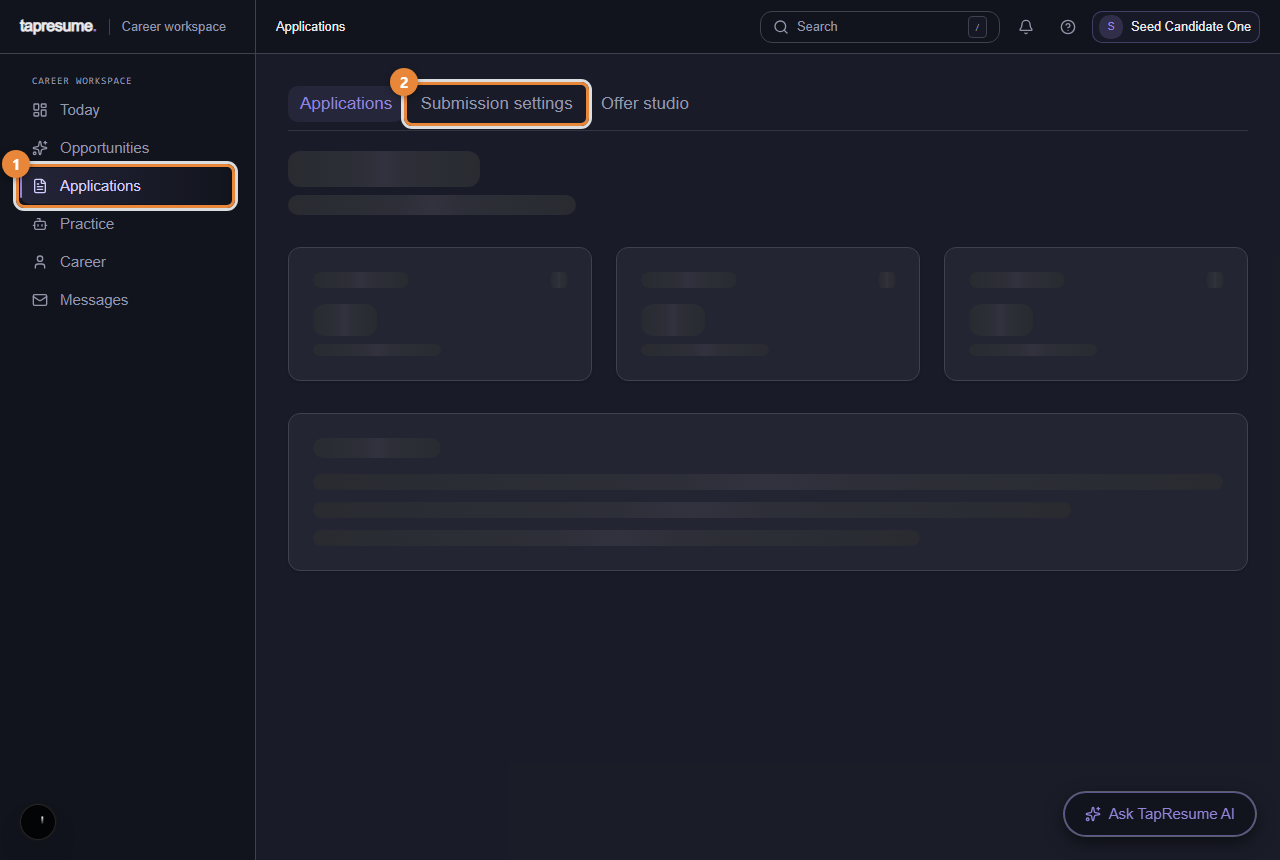
- Marker 1: Every application you have made
- Marker 2: Follow-up email preferences
Steps
- Click Applications in the left navigation (marker 1). Filter by status with the selector at the top.
- Open an application to read its details and any messages from the hiring team.
- For a new TapResume role, review the exact application draft and choose the final Submit action yourself. TapResume does not submit automatically (see Submission settings and Offer studio).
What the statuses mean
| Status | Meaning |
|---|---|
| Applied | Received. Nobody has reviewed it yet. |
| Under Review | The team has looked at it. |
| Shortlisted | You are on the shortlist for the role. |
| Interview | The team has moved you to interviews; an invitation with times follows by email. |
| Offer Received | An offer was sent; its email carries the link to respond. |
| Not Selected | The team decided not to proceed. |
| Withdrawn | You withdrew it. |
The application record shows a candidate-visible status; it is not a promise that the employer has taken a specific internal action unless the employer has shared one.
Common questions
Can I withdraw? Yes: Withdraw Application on the application, then Withdraw in the confirmation. The team is told. You can apply again later.
Why is there no salary or feedback shown? Only what the hiring team has chosen to share appears here. Ask them through Messages.