The links
| Link | Found in | What it stops |
|---|---|---|
| Unsubscribe from follow-ups | Profile reminders | These reminders, and any other recruiting email from the organization to your address |
| Stop email from the organization | Resume and assessment invitations | That invitation, and any other recruiting email from the organization |
| Unsubscribe in a recruiter's outreach | Outreach sequences | That organization's outreach to your address |
| Manage email preferences and Unsubscribe in the grey footer | Every TapResume account email | Opens your privacy settings, where the communication switches are |
The page
Clicking a one-click link opens a page called Email preferences. It records the choice from your browser, not from the email program, so a link a mail scanner opened for you does not unsubscribe you.
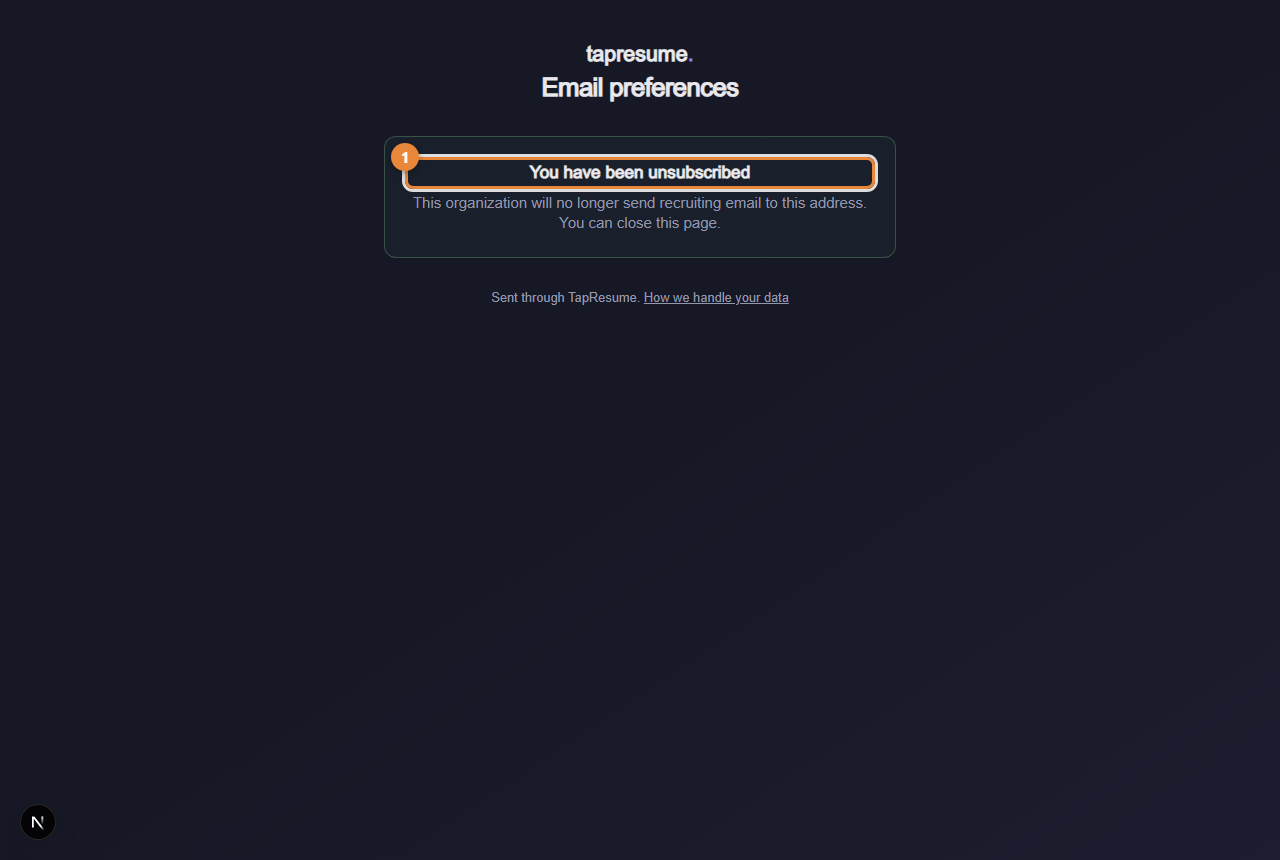
- Marker 1: You have been unsubscribed: done, nothing else changes
The page then says one of:
- You have been unsubscribed (marker 1): done. The organization will no longer send recruiting email to this address. You can close the page.
- This unsubscribe link is not valid: the link was shortened or cut by your email program. Open the original message and use the full link, or reply to the sender and ask them to stop.
- We could not update your email preference: a connection problem; nothing changed. Click Try again.
What does not change
Your application, your profile and your account stay exactly as they are. Unsubscribing hides nothing from the team; it stops email.
Common questions
I want to stop all email, not one organization's. Open your privacy settings from the footer link and use the switches there (see Email preferences and stopping email). To stop an organization seeing your profile at all, use Privacy in the left navigation.
I unsubscribed by mistake. Reply to the sender; the team can ask to have the address reinstated.