The email
| Item | Detail |
|---|---|
| Subject | Your application for the role at the organization has no resume on file |
| When | Once, ever, for an application that carried no resume |
| Button | Claim your profile and add your resume |
| Unsubscribe | Stop email from the organization, at the bottom |
It names the role and the date you applied, says the application is on file but has no resume attached, and explains that claiming your profile lets you add the resume once for this and any other role at the organization. The link works until the date given, which is 30 days from sending.
What to do
- Click Claim your profile and add your resume. The sign-up page opens with your invitation attached.
- Follow Claim your profile from the invitation email.
- Once signed in, open Career, then Edit profile, and upload your resume (see Add your resume).
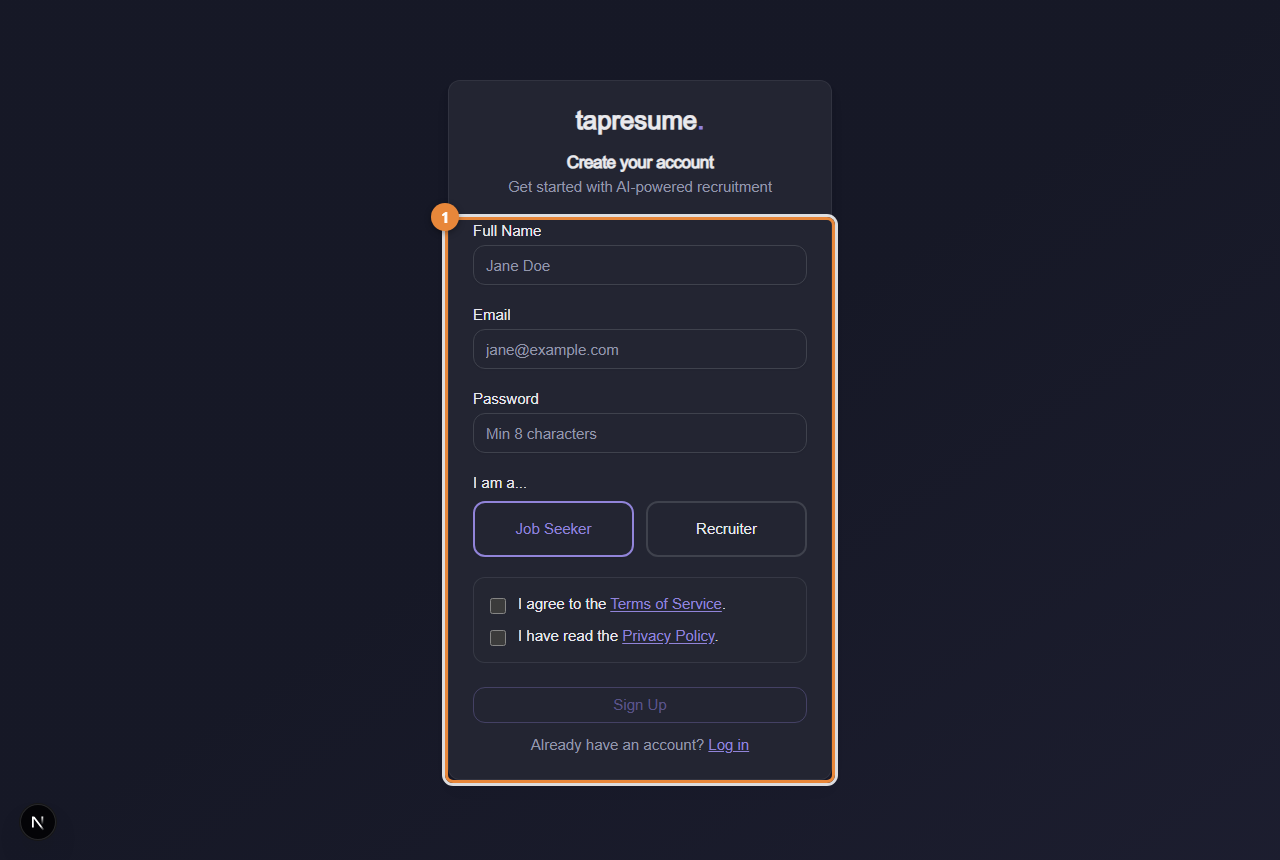
- Marker 1: The sign-up form; from an invitation email your details are linked to your application
What happens next
Your account is linked to the application you made. The team's matching can now read your resume. Nothing about the application changes if you ignore the email.
Common questions
Why did I get this? Only because your application had no resume. It is sent once and never repeated.
I do not want this. Click Stop email from the organization. Your application stays exactly as it is.