The email
| Item | Detail |
|---|---|
| Subject | Application update: followed by the role title |
| When | When the team records a decision on your application |
| Button | View Applications |
One sentence says what changed. The wording is one of:
- has been reviewed
- has been shortlisted
- has moved to the interview stage
- has received an offer
- was not selected
The team's internal reasoning is not included; only the state is.
What to do
Click View Applications. The Applications page shows the new status on the application: Under Review, Shortlisted, Interview, Offer Received, or Not Selected. An interview or an offer comes with its own email carrying the link to respond (see Pick an interview time and Respond to your offer).
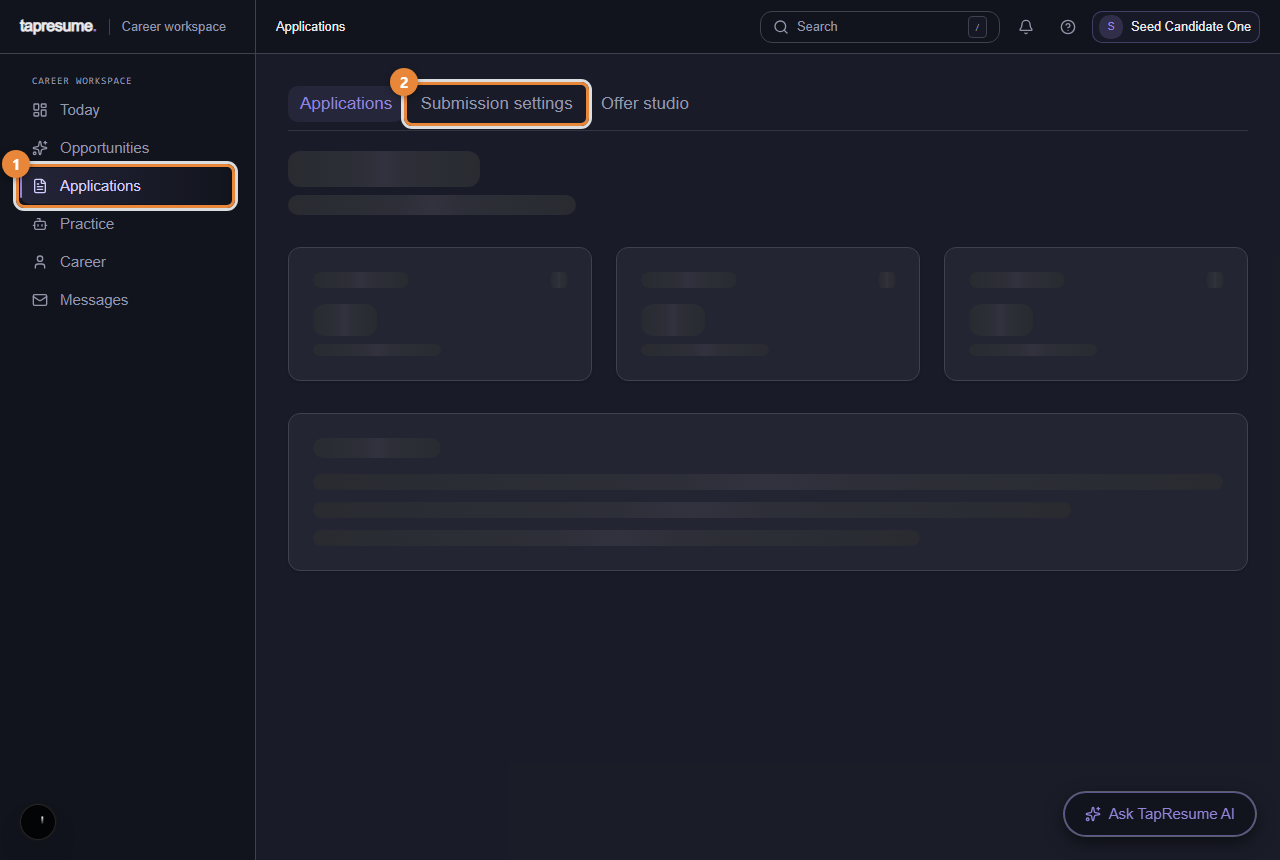
- Marker 1: Every application you have made
- Marker 2: Follow-up email preferences
The in-app notification
The same update is posted to your notifications (the bell in the top bar) whether or not the email is sent.
Common questions
Can I turn these emails off? Yes. Open the Manage email preferences link at the bottom of any TapResume email; it opens your privacy settings, where the communication switches live (see Email preferences and stopping email).
It says not selected. Can I ask why? Write to the team through Messages. Only what they choose to share is shown.