The email
| Item | Detail |
|---|---|
| Subject | Application received: followed by the role title |
| When | Straight after you submit an application on the careers site or in TapResume |
| Button | View your applications |
It says that the organization has received your application for the role, that it is with their hiring team, and that you can see it in your TapResume account. It promises no review timeline, because nothing controls one, and it does not ask you to complete anything.
What to do
Nothing is required. If you have an account, View your applications opens the Applications page, where the application is listed as Applied.
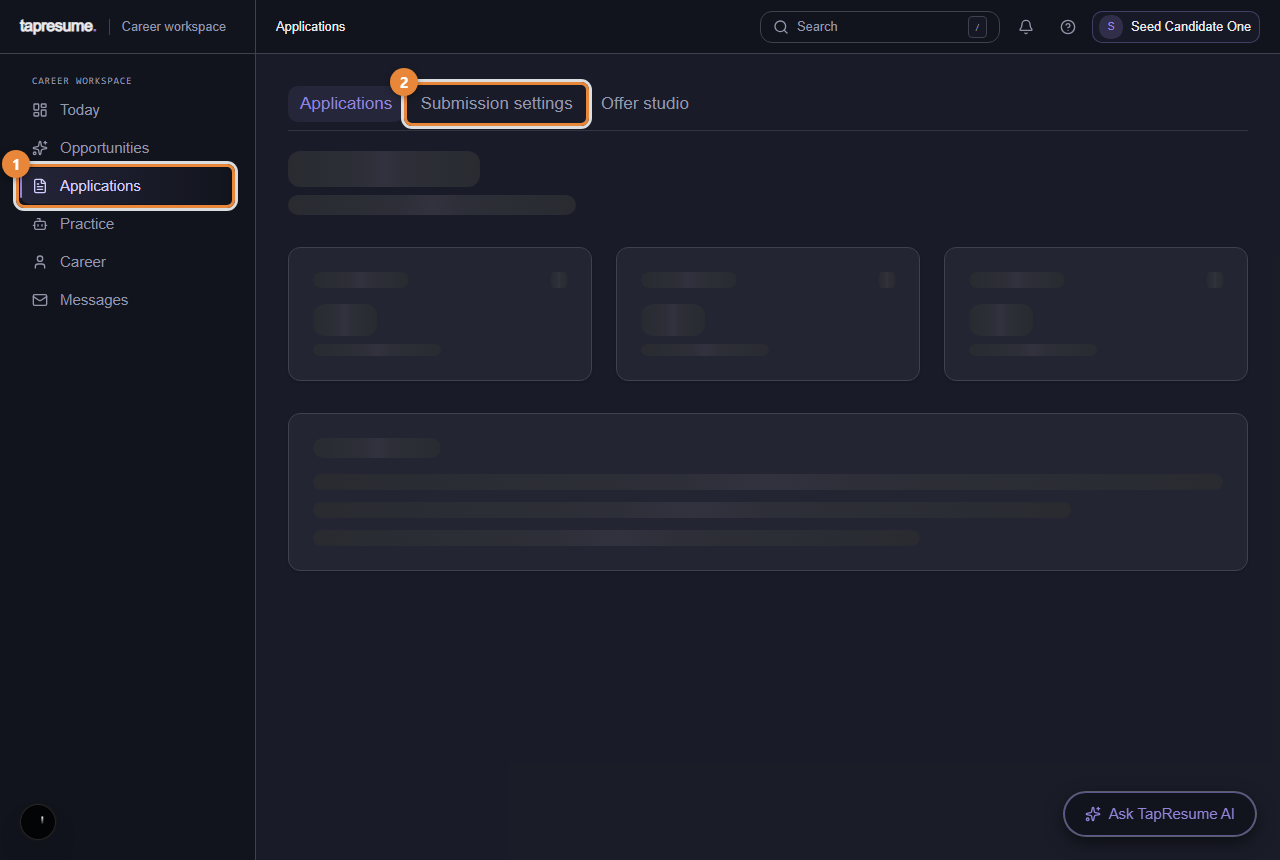
- Marker 1: Every application you have made
- Marker 2: Follow-up email preferences
If you did not apply
Reply to the email and say so. The line at the bottom asks exactly that.
Common questions
There is no unsubscribe link. This is a receipt for something you did, so it has none. Reminders and invitations, which you did not ask for, always carry one.
I applied twice. You receive two receipts, and both applications are listed. Withdraw one from Applications if you want.