What it is
Open Career, then Career Twin (marker 1). It is yours: you choose what employers can see, and you can change it at any time. Nothing read from your documents is added to your profile until you accept it.
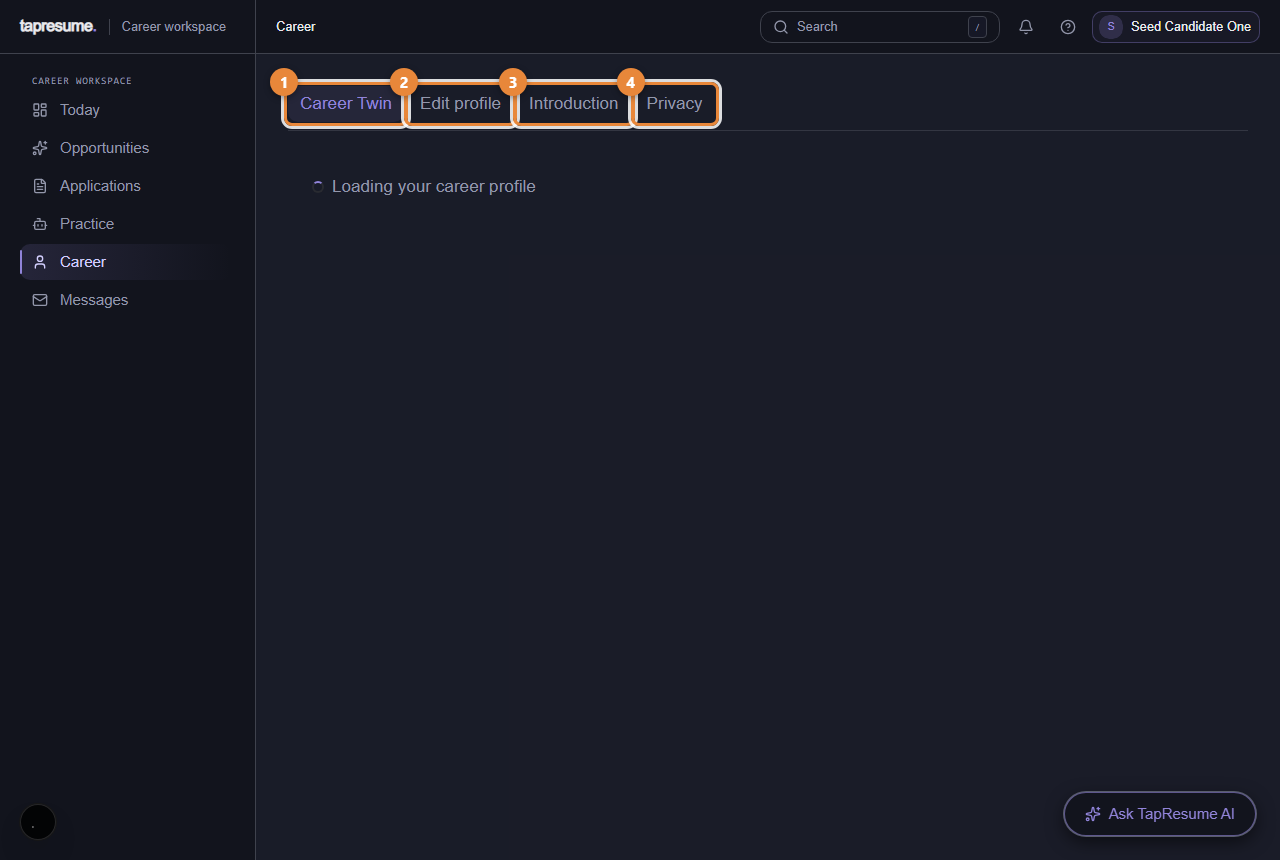
- Marker 1: Career Twin: what you have done and want next
- Marker 2: Edit profile: your details and resume
- Marker 3: Introduction: a short recording in your words
- Marker 4: Privacy: who can see what about you
Review what we found
After a resume upload, a section called Review what we found lists each fact that was read, with the document it came from. For each one:
- Yes, that's right keeps it.
- Fix the wording opens a box called Say it in your own words; type your version and click Save my wording. Your wording is what is used from then on.
- I'm not sure keeps it but marks it uncertain, so it is not relied on.
- Not mine removes it.
The sections
Below, your profile is shown in sections: Experience, Education, Skills, Projects, Credentials, Publications. Each item has Correct this, which opens the same wording box with Save correction, and Remove from my profile.
Removing asks Remove this from your profile? and explains that the item stops being used to suggest roles to you and stops appearing in drafts. Remove it confirms; Keep it cancels.
When it is empty
The page says Your career profile is empty and points you to Edit profile to upload a resume or answer a few questions.
Common questions
Does an employer see the items I marked uncertain? Items are shown to organizations you share your profile with; uncertain items are not relied on for suggestions. Remove anything you do not want seen.
I removed something by mistake. Upload the document again, or add the item on Edit profile.